
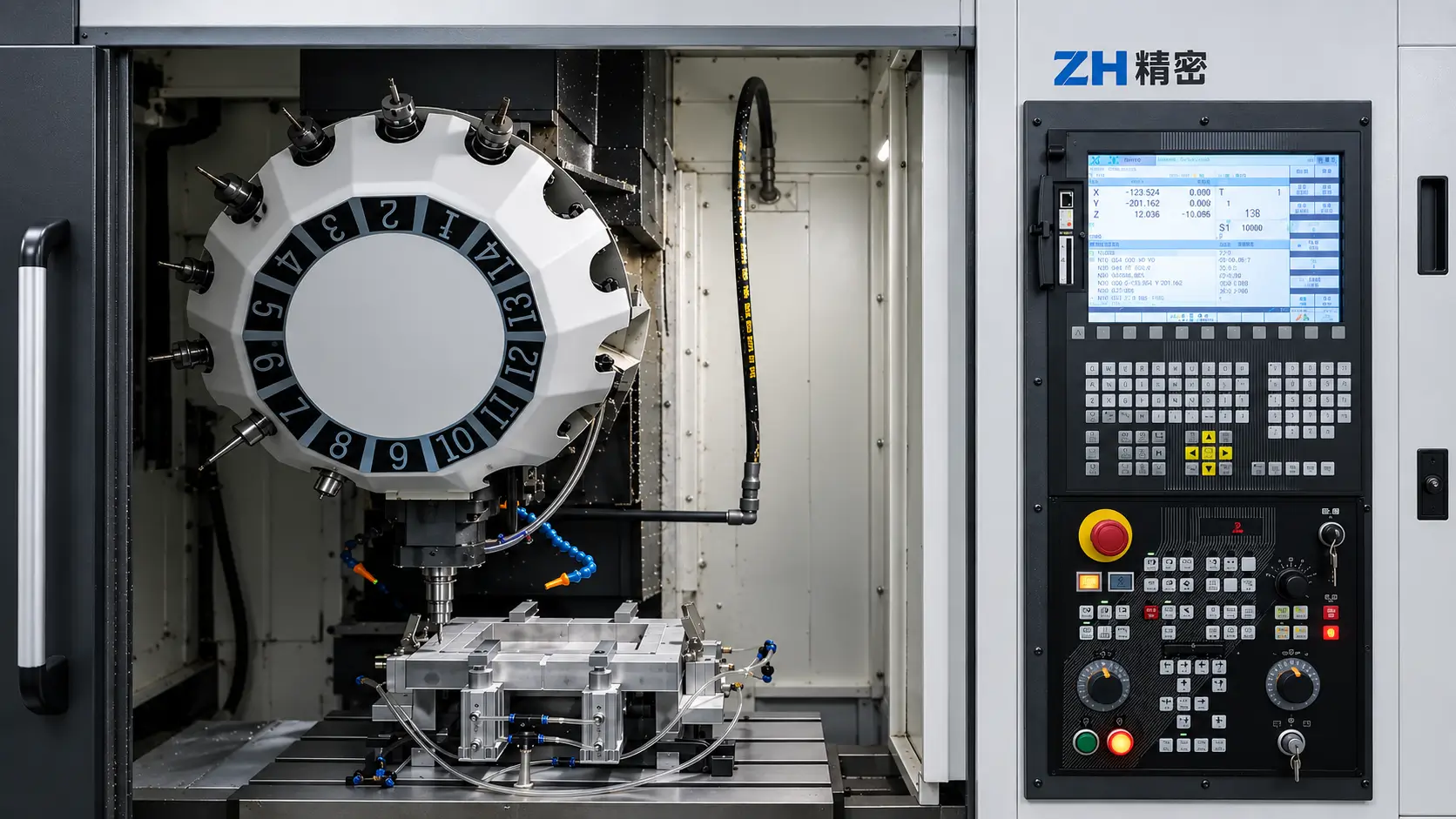
CNC has become a fundamental part of modern manufacturing because it allows complex tool movements to be executed with a high level of control and repeatability. Digital part designs are converted into machining programs that guide equipment such as milling machines, lathes, and machining centers. Understanding what CNC means provides the foundation for understanding CNC programming, machine operation, and modern CNC machining.
What Does CNC Mean?
CNC means Computer Numerical Control. It is a digital control technology used to operate machine tools through programmed instructions that define axis movement, position, feed rate, spindle speed, and the sequence of machining operations.
In manufacturing, CNC is most commonly associated with subtractive machining processes such as milling, turning, and drilling. During CNC machining, cutting tools remove material from a solid workpiece until the required geometry and dimensions are produced, while the CNC system controls how those machining movements are executed.
Strictly speaking, CNC is the control technology, while CNC machining is the subtractive manufacturing process that uses that technology. This distinction is important because CNC control can also be applied to different types of manufacturing equipment, not only milling and turning machines.
How Does CNC Work?
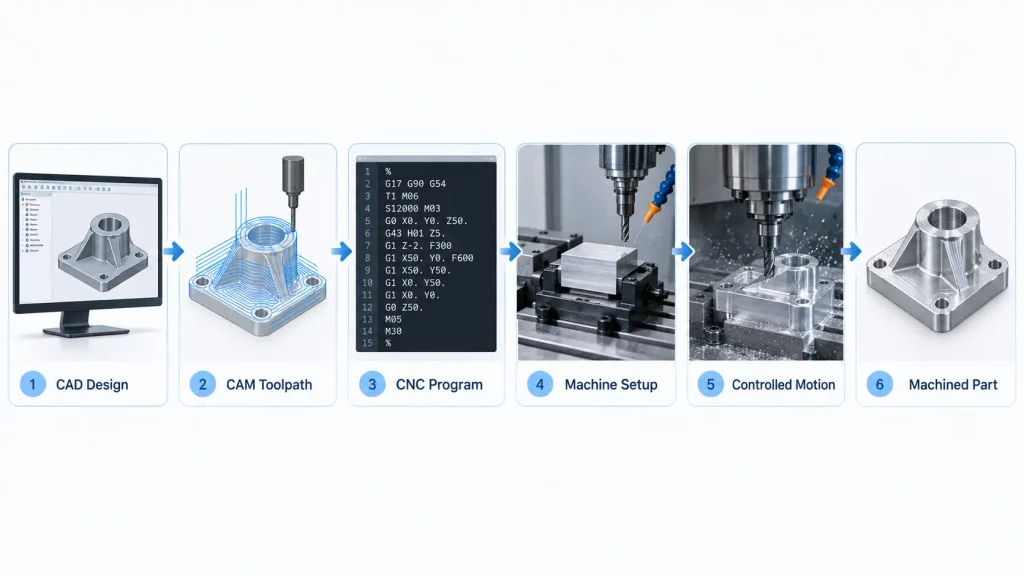
CNC machining begins with a digital part model or engineering drawing. The geometry is imported into CAM software, where the machining strategy is defined, including tool selection, cutting sequence, toolpaths, feeds, speeds, and other process parameters. A post-processor then converts those toolpaths into a program that matches the specific CNC machine and control system.
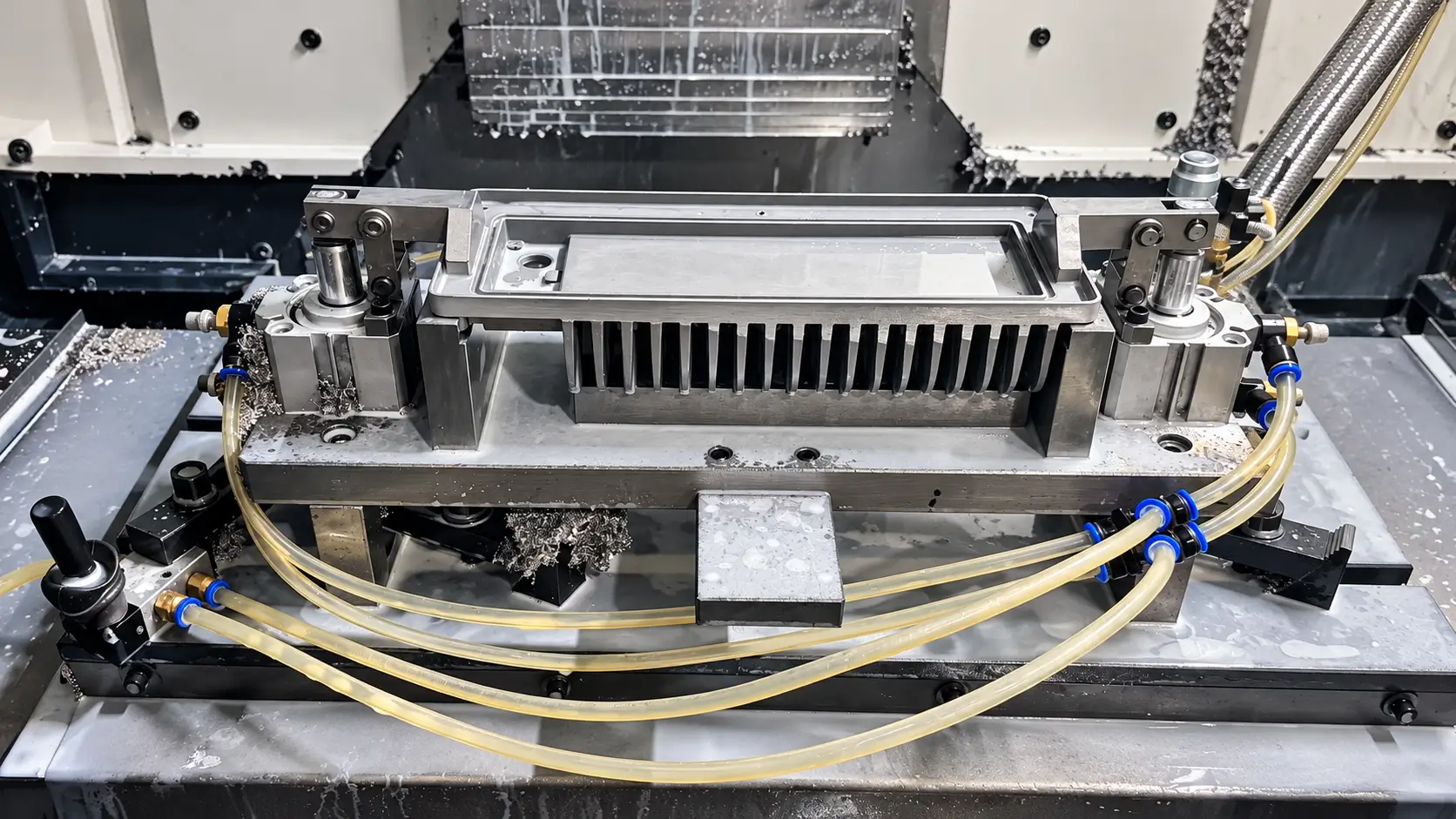
Before production starts, the machinist installs the required tools, fixtures the workpiece, establishes work coordinates, and verifies tool offsets. The program can then be checked through simulation, dry running, or controlled first-piece machining to identify potential collisions or setup errors.
During machining, the machine executes the programmed sequence while the operator monitors tool condition, chip evacuation, coolant, and part quality. The first completed part is typically inspected against the drawing before the process is repeated for additional components.
A Brief History of CNC Development
The development of CNC began with early numerical control (NC) systems in the 1940s and 1950s. These machines used coded instructions, often stored on punched tape, to control tool position and machine movement. The goal was to automate machining operations that were difficult to reproduce consistently by manual control alone.
As electronic controls and computers became more practical during the 1960s and 1970s, NC systems evolved into Computer Numerical Control. Programs could be stored, edited, and executed electronically, giving manufacturers much greater flexibility than earlier hard-wired or punched-tape systems.
From the 1980s onward, advances in microprocessors, servo systems, CAD/CAM software, and multi-axis machine tools expanded what CNC equipment could do. Modern CNC systems can coordinate multiple axes, automatic tool changes, probing, tool compensation, and process monitoring within a single machining cycle.
CNC Programming and Machine Instructions
A CNC program is the set of machine-readable instructions that defines how a machining cycle is executed. It specifies the movements, speeds, feeds, tool actions, and auxiliary functions required to complete each operation in the correct sequence.
The program is interpreted by the CNC control line by line. Motion commands determine where and how the machine axes move, while other commands control functions such as spindle operation, coolant, tool changes, and program stops. The exact command set can vary between machine tools and control systems.
G-Code for Toolpath and Axis Movement
G-code controls the programmed movement of the machine axes and cutting tool. It defines positioning, linear interpolation, circular interpolation, feed-controlled motion, and other toolpath-related functions within the machine coordinate system. Common commands include G00 for rapid positioning and G01 for linear movement at a programmed feed rate.
M-Code for Machine Functions
M-code controls auxiliary machine functions that are not primarily related to axis positioning. These commands coordinate functions such as spindle operation, tool changes, coolant, and program control. Common examples include M03 for starting the spindle, M06 for a tool change, and M08 for turning on coolant.
Common Types of CNC Machines
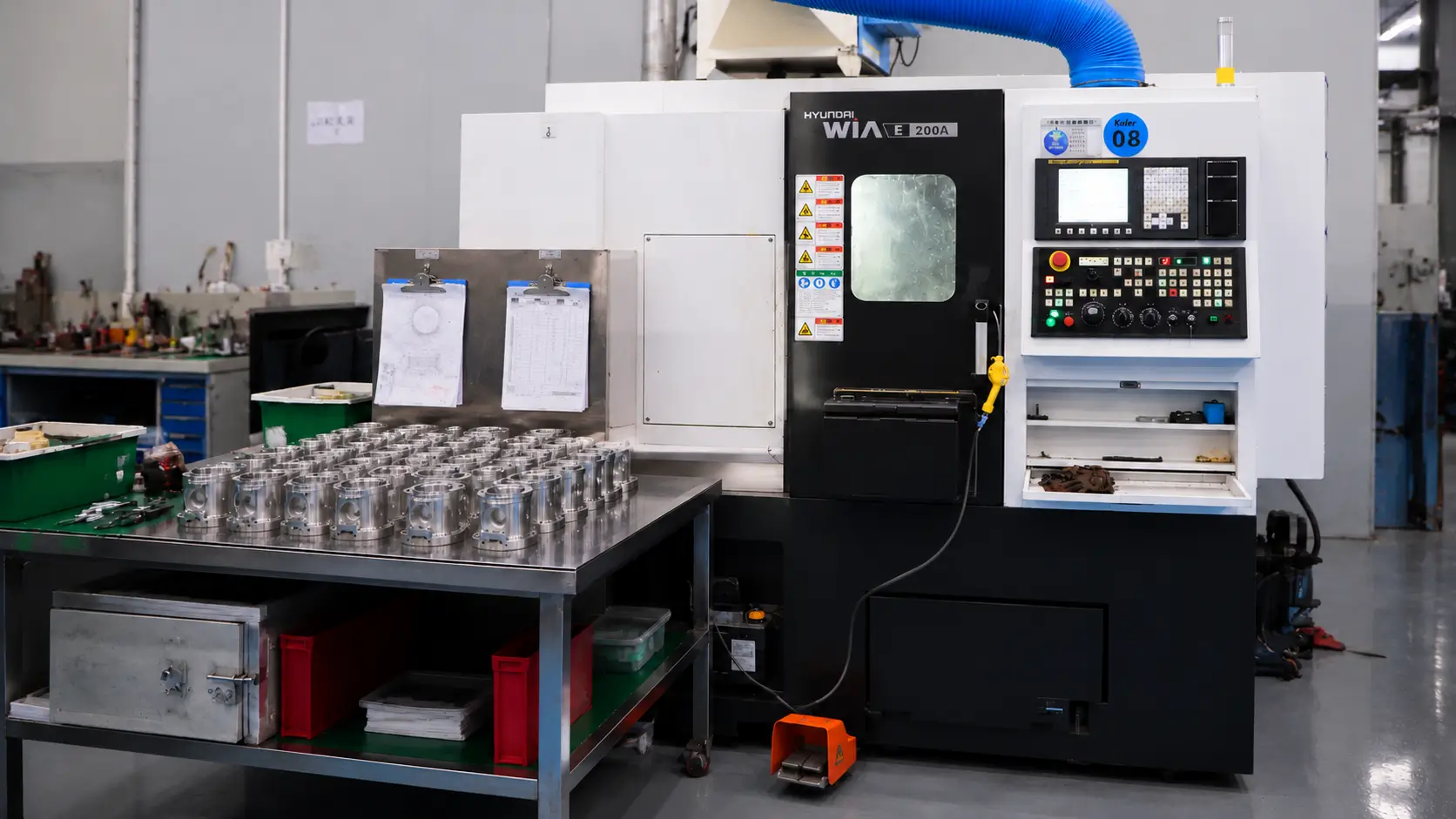
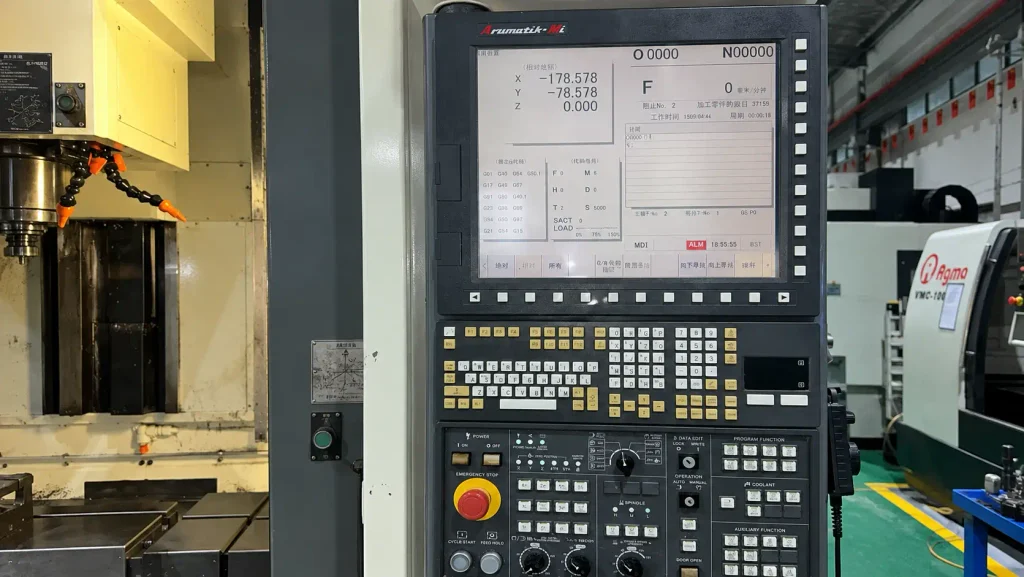
CNC control is used across a wide range of manufacturing equipment. The machines differ in how they remove material and how the workpiece is positioned, but each uses programmed instructions to coordinate motion and machine functions.
| CNC Machine | Main Operating Principle | Typical Applications |
| CNC Milling Machine | Rotating cutting tools remove material while the tool or workpiece moves along controlled axes. | Pockets, slots, holes, profiles, and contoured surfaces |
| CNC Lathe | The workpiece rotates while a cutting tool removes material along programmed paths. | Shafts, bushings, pins, threads, and other rotational parts |
| CNC Machining Center | Combines milling, drilling, tapping, and automatic tool changes within one machine. | Parts requiring multiple machining operations and complex features |
| CNC Router | A high-speed spindle moves along programmed paths to cut larger sheets or workpieces. | Plastics, composites, wood, and some softer metals |
| CNC Grinder | A controlled abrasive wheel removes small amounts of material from the workpiece. | Precision finishing, cylindrical surfaces, and tight dimensional requirements |
| CNC EDM | Material is removed by controlled electrical discharge rather than conventional cutting tools. | Hard conductive materials, fine features, molds, and difficult internal geometry |
The type of CNC machine is selected according to the part geometry and manufacturing process required. A rotational component may be better suited to turning, while a housing with pockets, holes, and multiple machined faces is more likely to require milling or a machining center.
Key Advantages of CNC Manufacturing
CNC manufacturing is widely used because it combines precision, repeatability, complex machining capability, and efficient production within a programmable process.
High precision. CNC machining can achieve tolerances around ±0.01 mm on critical features when the machine, tooling, setup, material, and inspection are properly controlled. Requirements such as ±0.001 mm are not standard and usually need specialized equipment and process evaluation.
Repeatability. Once the program, tooling, fixtures, and offsets are established, the same machining sequence can be repeated across multiple parts with consistent results.
Complex geometry. CNC machines can produce pockets, slots, contours, angled features, and multi-face geometry. 4-axis and 5-axis machining can reduce repositioning and improve access to complex features.
Higher efficiency. CNC machining centers can combine milling, drilling, tapping, boring, and automatic tool changes within the same cycle, reducing manual handling and setup time.
Limitations of CNC Manufacturing
CNC manufacturing offers strong advantages, but it also requires higher equipment investment, skilled setup, and ongoing process control.
High equipment cost. CNC milling machines, lathes, machining centers, and multi-axis systems require substantial capital investment. Tooling, fixtures, CAM software, inspection equipment, maintenance, and workshop infrastructure add to the total cost.
Programming and setup requirements. CNC machines still need experienced programmers and machinists to prepare toolpaths, select tools, establish work offsets, fixture parts, and verify the process before machining begins.
Maintenance and calibration. Machine accuracy depends on the condition of the spindle, guideways, ball screws, tooling system, and control components. Regular maintenance and calibration are required to keep machining performance stable.
Setup overhead for simple one-off parts. For very simple components produced in very small quantities, programming, fixturing, tool setup, and machine preparation can account for a large share of the total manufacturing time. In these cases, the setup effort may outweigh the actual cutting time.
CNC vs. Manual Machining
CNC machining and manual machining both remove material with cutting tools, but the main difference is how machine movement is controlled. Manual machining relies on the operator to position the tool and adjust the process directly, while CNC machining follows a programmed sequence.
| Factor | CNC Machining | Manual Machining |
|---|---|---|
| Control Method | Programmed machine control | Direct operator control |
| Precision | Better suited to controlled dimensions and complex geometry | More dependent on operator skill |
| Repeatability | High after the setup is established | More variation between parts |
| Complex Parts | Suitable for multi-axis and coordinated toolpaths | Better suited to simpler geometry |
| Production Efficiency | More efficient for repeat machining cycles | Practical for simple one-off operations |
| Setup | Requires programming, tooling, fixtures, and offsets | Requires less programming but more manual operation |
| Equipment Cost | Higher initial investment | Lower equipment investment |
Manual machining still has value for repair work, simple modifications, and straightforward one-off operations. CNC machining becomes more practical when the part requires tighter control, more complex geometry, or repeated machining with consistent results.
CNC Design Guidelines
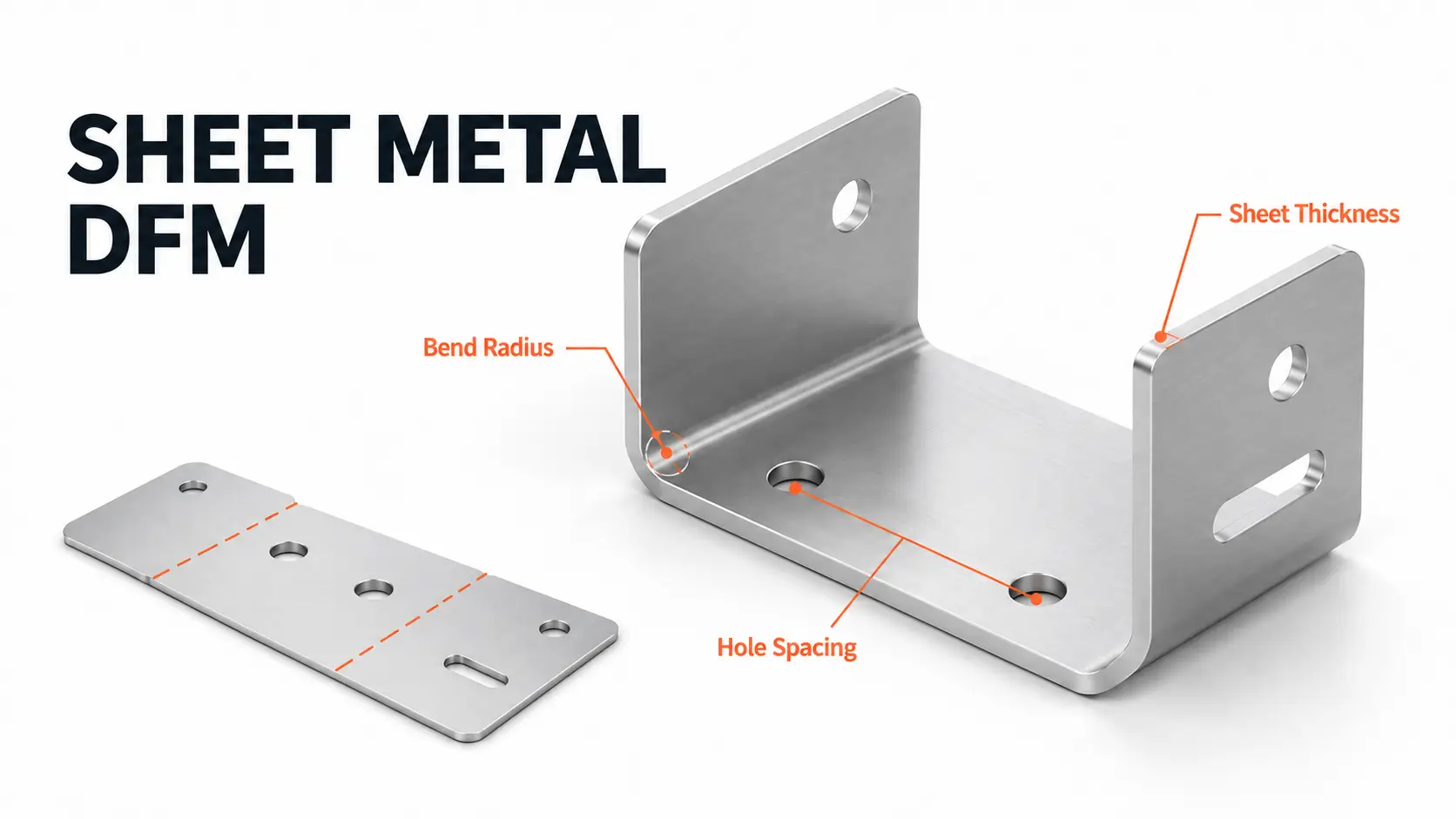
Good CNC design reduces unnecessary machining difficulty while keeping the part functional. The most important considerations are tool access, feature depth, wall thickness, internal radii, and tolerance requirements.
Use practical internal corner radii. CNC cutting tools are round, so sharp internal corners cannot be produced directly with a standard end mill. Larger internal radii allow stronger tools and more efficient machining.
Avoid unnecessarily deep cavities. Deep pockets often require long tool overhang, which increases tool deflection, vibration, and machining time.
Control thin-wall geometry. Thin walls can deform under cutting forces or clamping pressure. Wall thickness should be sufficient to maintain rigidity during machining.
Specify tight tolerances only where needed. Applying close tolerances to non-critical features increases machining and inspection work without improving part function.
Consider tool and holder access. A feature may be reachable by the cutting edge but still difficult to machine if the tool shank or holder interferes with surrounding geometry.
Use standard holes and threads where practical. Standard drill sizes, taps, and thread specifications simplify tooling and reduce unnecessary machining steps.
For parts with more demanding geometry or tolerance requirements, ZH Precision engineers can review the drawing and 3D model before machining to identify potential issues involving tool access, deep features, thin walls, internal radii, and unnecessary tight tolerances. This helps improve manufacturability and reduce avoidable machining complexity before production begins.
Factors That Affect CNC Machining Costs
CNC machining cost is mainly driven by how much machine time, setup effort, tooling, and inspection a part requires. A simple design with standard tolerances will usually cost less than a part with difficult geometry, multiple setups, or extensive secondary processing.
Part complexity. Deep cavities, thin walls, small internal radii, undercuts, angled features, and difficult tool access can require longer machining time, special tooling, or additional setups.
Material. Material price and machinability both affect cost. Harder materials or alloys with poor machinability may require slower cutting speeds, more tool changes, and longer cycle times.
Tolerance requirements. Tight tolerances increase the need for controlled setups, finishing passes, tool compensation, and inspection. Applying close tolerances only to function-critical features can help control cost.
Number of setups. Parts that must be repositioned several times require additional fixturing, alignment, and inspection. Multi-axis machining can sometimes reduce setup count, but the equipment and programming requirements may be higher.
Production quantity. Programming, fixture preparation, and machine setup create fixed costs before cutting begins. As quantity increases, these costs can be distributed across more parts, although total machining time still depends on cycle time.
Surface finishing. Anodizing, bead blasting, polishing, plating, passivation, and other secondary operations add processing, handling, and sometimes masking requirements.
Inspection requirements. Standard dimensional checks usually require less time than full CMM inspection, FAI reports, material certificates, or detailed inspection documentation.
Conclusion
CNC stands for Computer Numerical Control, the technology used to operate machine tools through programmed instructions. It forms the control foundation for CNC milling, turning, machining centers, grinding, and many other manufacturing processes.
CNC makes complex and repeatable machining possible, but the presence of a CNC control does not by itself guarantee a precise part. Final accuracy still depends on the machine condition, tooling, workholding, programming, cutting strategy, and inspection. For engineers and buyers, understanding this distinction is more useful than treating “CNC” simply as another name for precision machining equipment.
FAQ
CNC stands for Computer Numerical Control, a technology that uses programmed numerical instructions to control machine tools and manufacturing equipment.
In manufacturing, CNC refers to computer-controlled operation of equipment such as milling machines, lathes, machining centers, grinders, and other machine tools. The CNC system coordinates machine movement and functions according to a programmed sequence.
A CNC machine follows a machining program to control axis movement, feed rate, spindle speed, tool changes, and other machine functions. Depending on the equipment, it can perform operations such as milling, turning, drilling, tapping, grinding, or EDM.
No. CNC is the control technology, while CNC machining is a subtractive manufacturing process that uses CNC-controlled machine tools to remove material from a workpiece.
G-code is widely used to control movement and toolpaths on CNC machine tools, but programming formats and supported commands vary between machine types, controllers, and manufacturers.
No. CNC automates the execution of programmed machine movements, but programming, tooling, workholding, setup, process verification, and inspection still require engineering and operator input.